Terminal Purge: Orbital
Pick a ship, plot a route through 12 sectors and blast alien fleets and bosses, all drawn in your terminal.

Screenshots
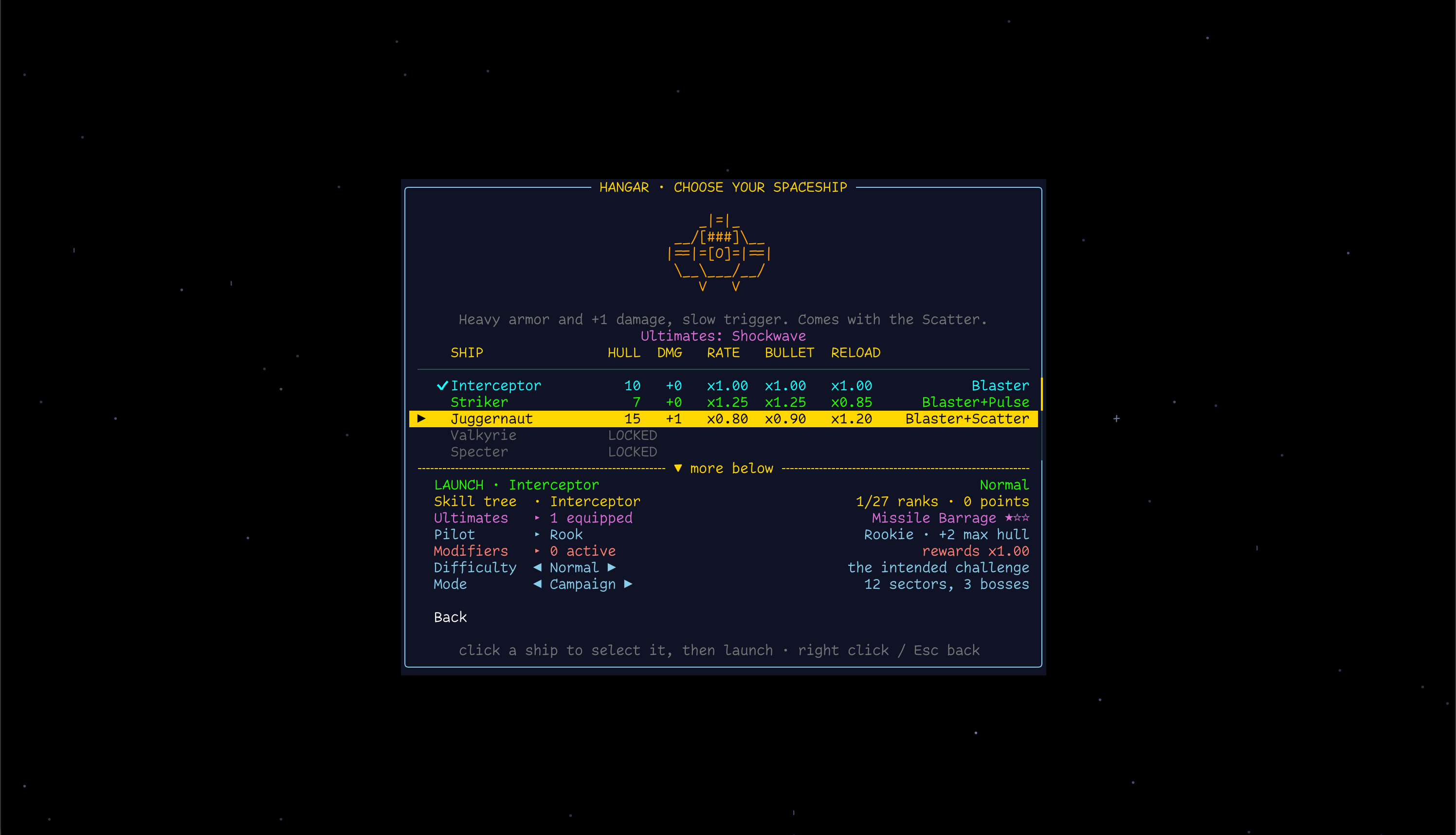
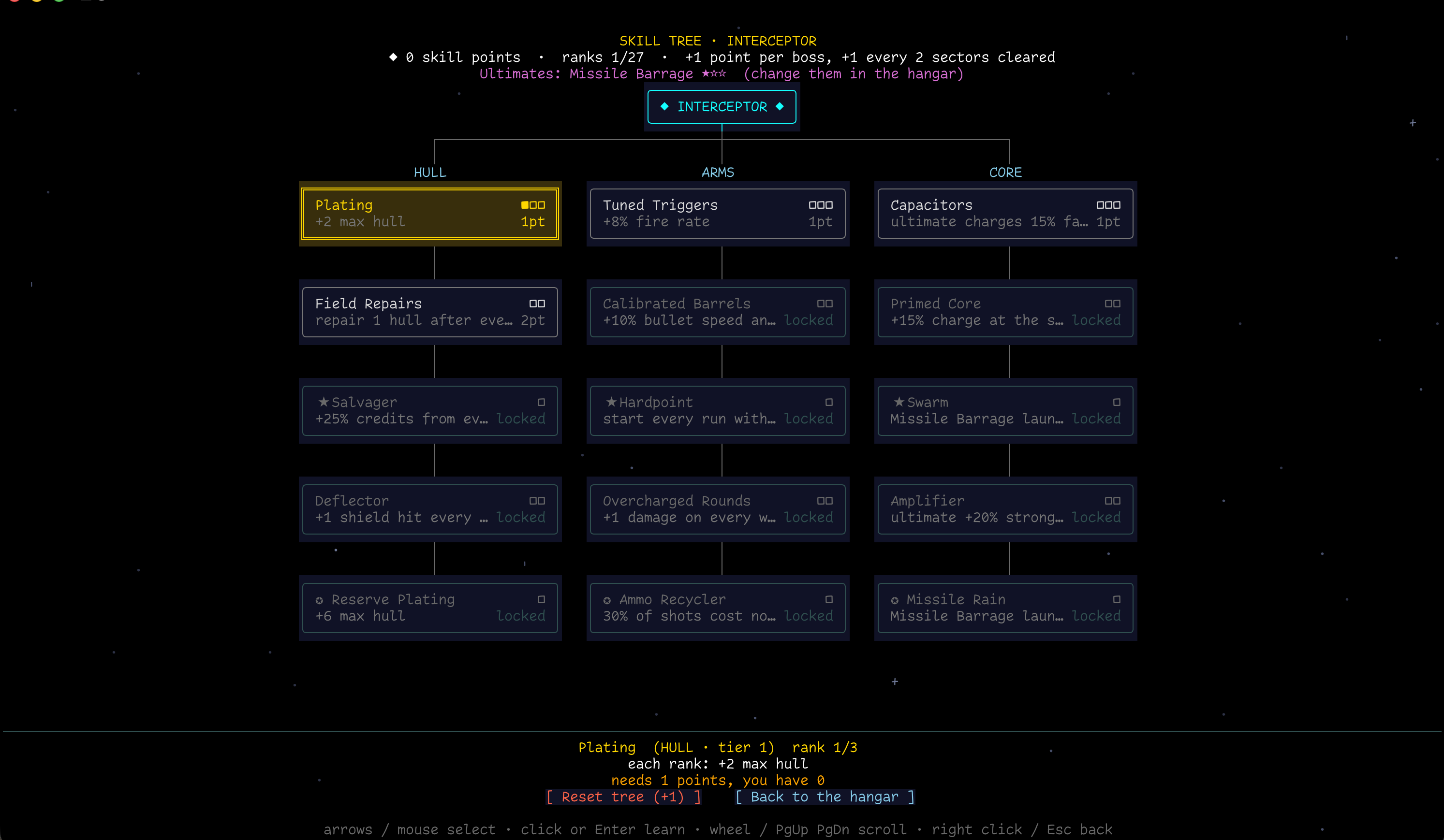
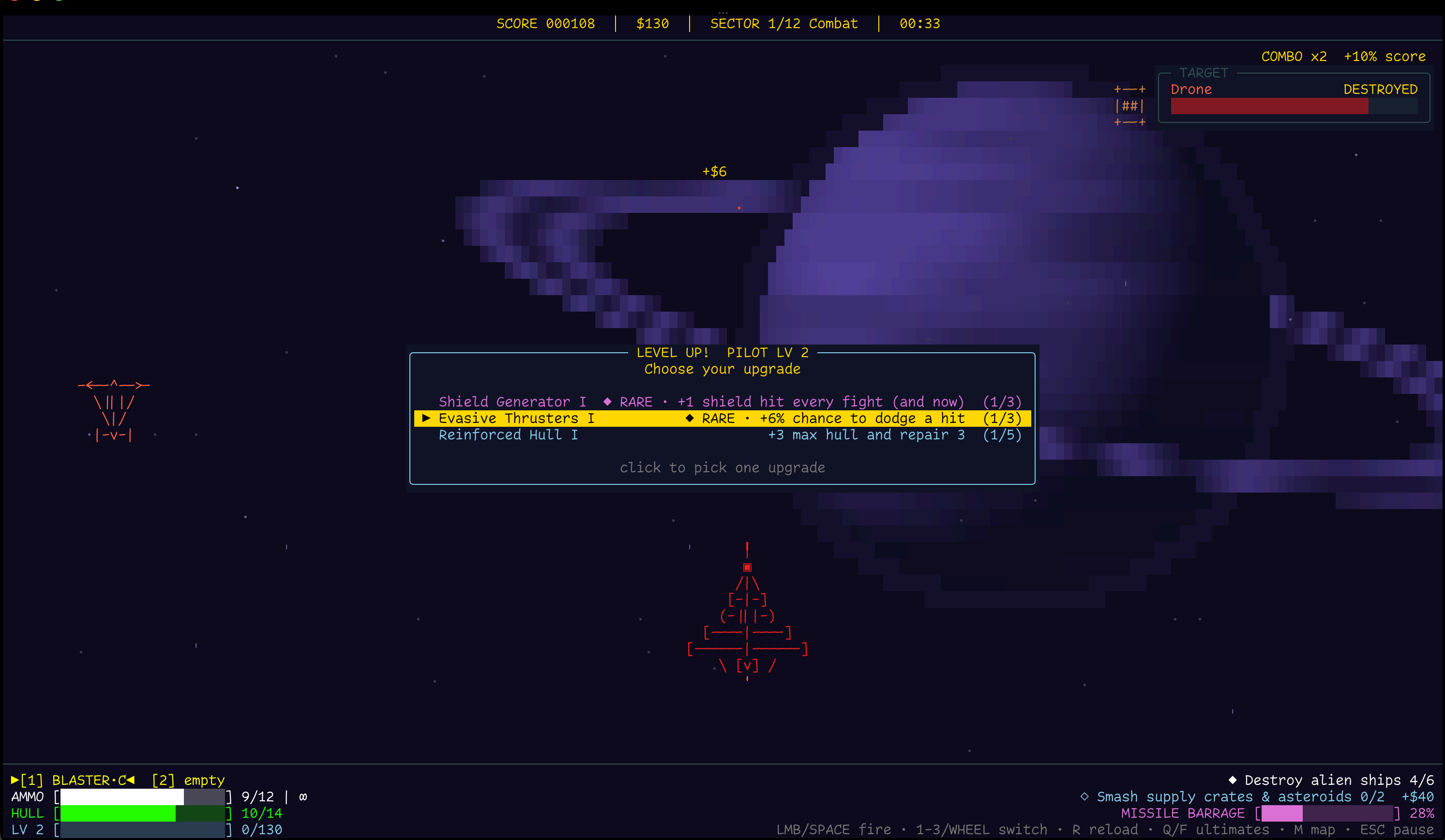
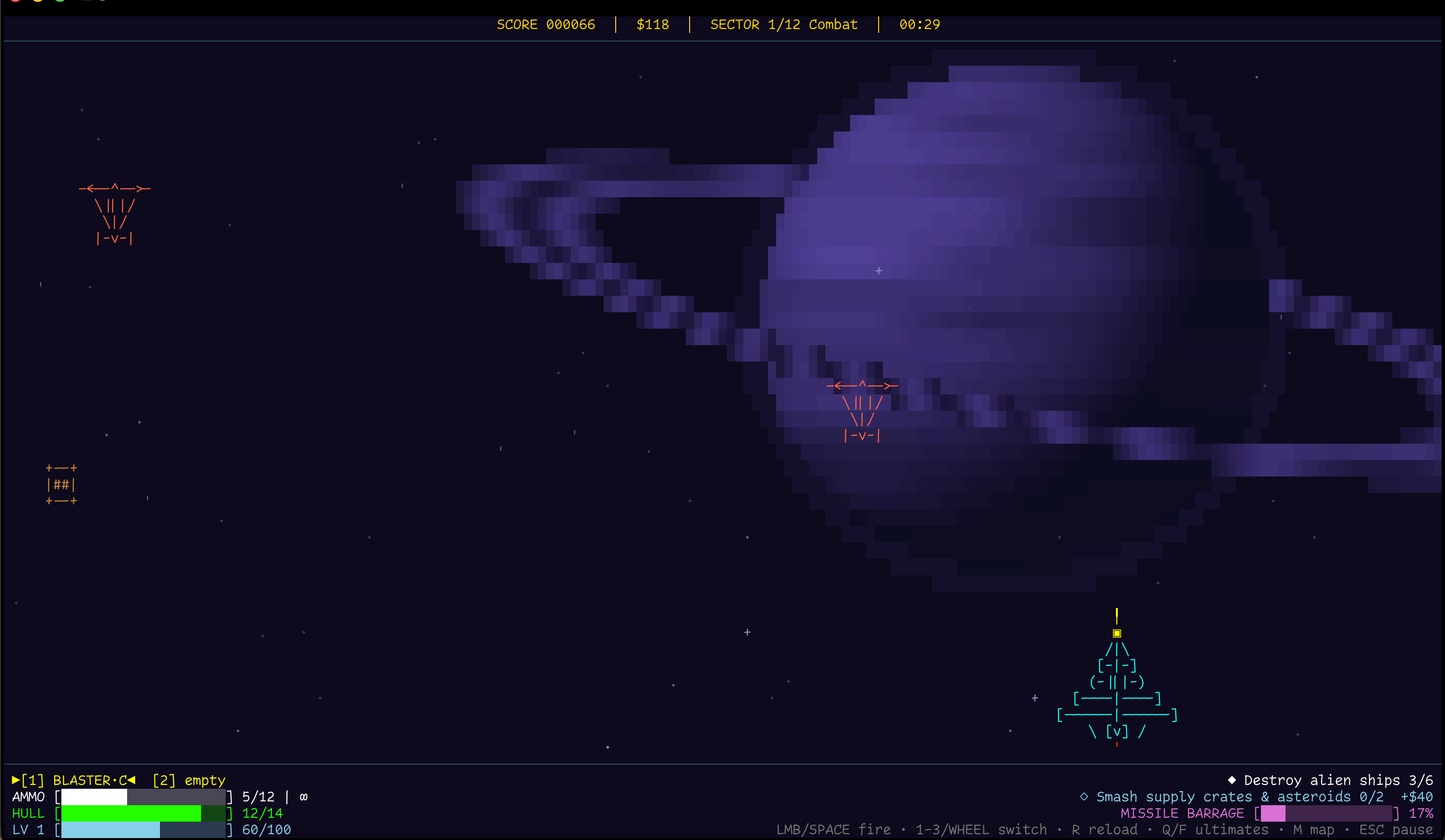
About this project
Terminal Purge: Orbital is a roguelike space shooter played entirely in your terminal. Every ship, alien, explosion and nebula is drawn with text characters, and every sound and piece of music is synthesized live by the game.
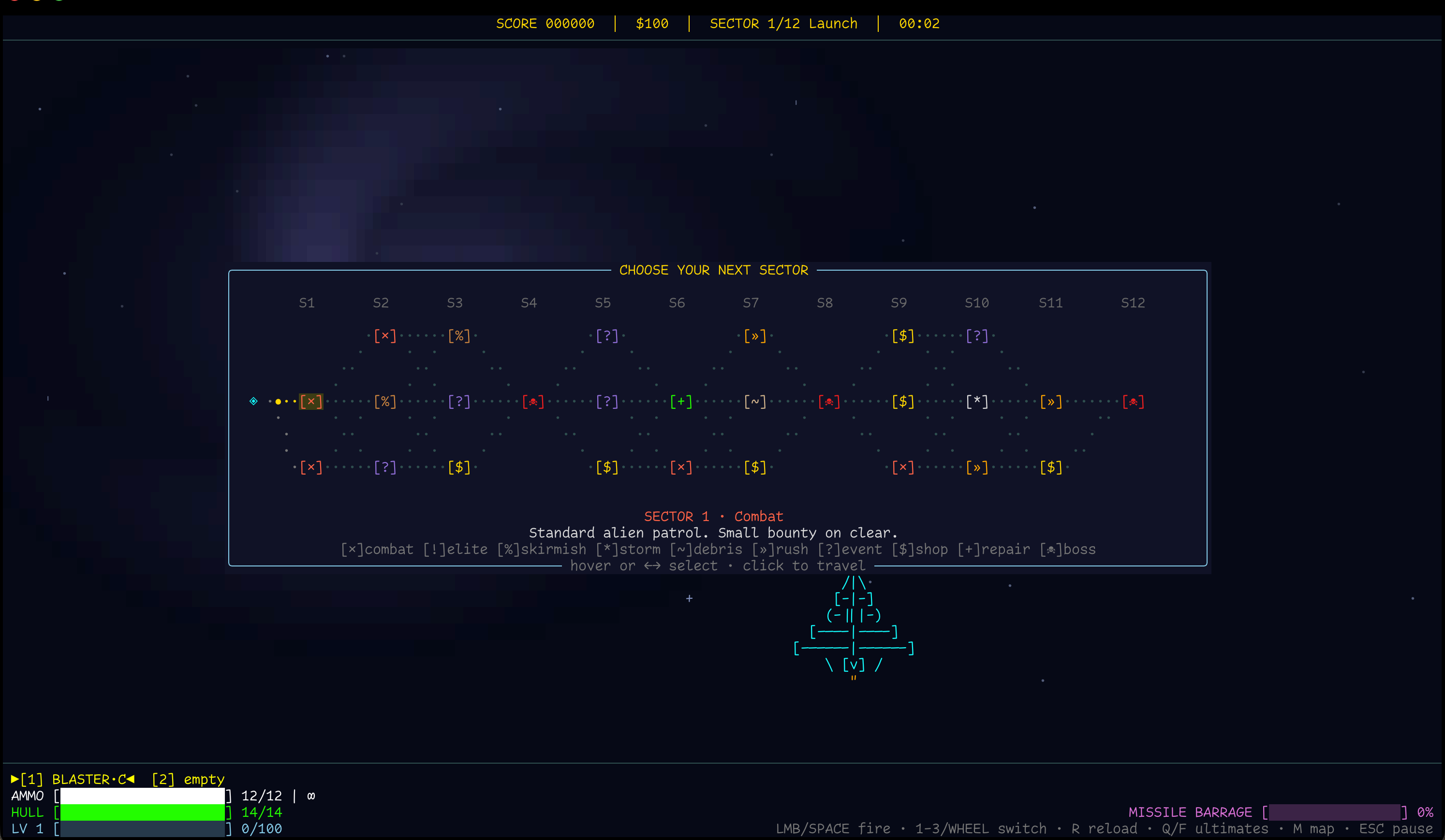
Choose a spaceship and a pilot, then plot your own route across a map that's different every run. Fight through patrols, elite squadrons, asteroid storms, meteor rushes and wreckage fields. Stop at supply depots to buy weapons and mods, take risks at unknown signals, and face three bosses on the way to the Mothership.
Every run makes you stronger. Level up your pilot mid-run, collect relics that bend the rules, and unlock new ships, skill trees, ultimates and permanent research between runs.
Features
- 9 spaceships, each with its own skill tree and signature ultimate
- 12 ultimates to learn and rank up, fly with two at once
- 6 weapons (Blaster, Scatter, Pulse, Railgun, Missiles, Twin Ion) with upgrades and 8 mods
- 19 kinds of alien ships with their own tricks: cloaking, shield reflecting, EMP jamming, repairing allies, laying mines
- 3 bosses with variants, attack patterns, ultimates and a final form
- A new branching route map every run: combat, elite, hazard, shop, repair and event sectors
- 16 relics, 10 story events, 7 pilots and 7 run modifiers
- Campaign and Endless modes, a Daily Run, and 4 difficulties from Easy to Nightmare
- Research Lab, codex and 26 achievements for progress between runs
- Procedural sector backgrounds and a generated soundtrack that changes with every sector and boss
- Plays with the mouse; runs on Linux, macOS and Windows
Controls
- Mouse - fly the ship
- Left mouse / Space - fire
- 1-3 / mouse wheel - switch weapon
- R / right mouse - reload
- Q / middle mouse - first ultimate
- F - second ultimate
- M - route map
- Esc / P - pause
- Ctrl+Q - quit
System Requirment
- OS: Linux, macOS (Intel or Apple Silicon) or Windows 10/11 (64-bit)
- Terminal: any terminal with mouse support, such as Windows Terminal, PowerShell, macOS Terminal, iTerm2, Kitty, Alacritty, GNOME Terminal
- Window: at least 100x30 characters (120x40 or larger recommended)
- Font: a font with box-drawing characters (most modern monospace fonts)
- Sound: optional. On Linux it needs PulseAudio or PipeWire
- Storage: under 10 MB
- Internet: not needed
How to play
Unzip the download, open a terminal in that folder and run the game:
Windows (PowerShell or Windows Terminal): .\tporbital.exe macOS and Linux: ./tporbital
Run it from a terminal you opened, rather than by double-clicking it. Your progress is saved automatically.